The Irish Crafter
Green Slime Font | Dripping Goo for Procreate
Green Slime Font | Dripping Goo for Procreate
Couldn't load pickup availability
Green Slime is a real font. You install it and type with it. It is not a pack of letter pictures.
It looks like bright green goo, drips and all. Every letter arrives with its own shine, bubbles and dribbles already on it. Type it in Procreate and it is done.
I made it for the gross-and-glorious jobs: Halloween party invitations, monster and dinosaur birthdays, spooky stickers, science party posts, kids' club signs, and any post that needs to look like it is about to drip off the screen.
Not stuck with green
It comes in green, but it does not have to stay green. Put a colour on a layer above the text, set that layer as a clipping mask and switch its blend mode to Overlay. The shine and the drips stay, the colour changes. Purple slime, orange slime, pink slime, whatever the party needs. The read-me walks you through it in three taps.
Please read this before you buy
Green Slime is a colour font, so the goo only shows in apps that support colour fonts. It works in Procreate (4.3 or later), and in Pages, Keynote, Notes and Safari on iPad and Mac. It also works in Photoshop and Illustrator. It will not work in Canva or Cricut Design Space. They only read one-colour fonts, so the letters come out flat. Not sure about your app? Message me before you buy and I will check for you.
What's included
- 1 colour font file (.ttf)
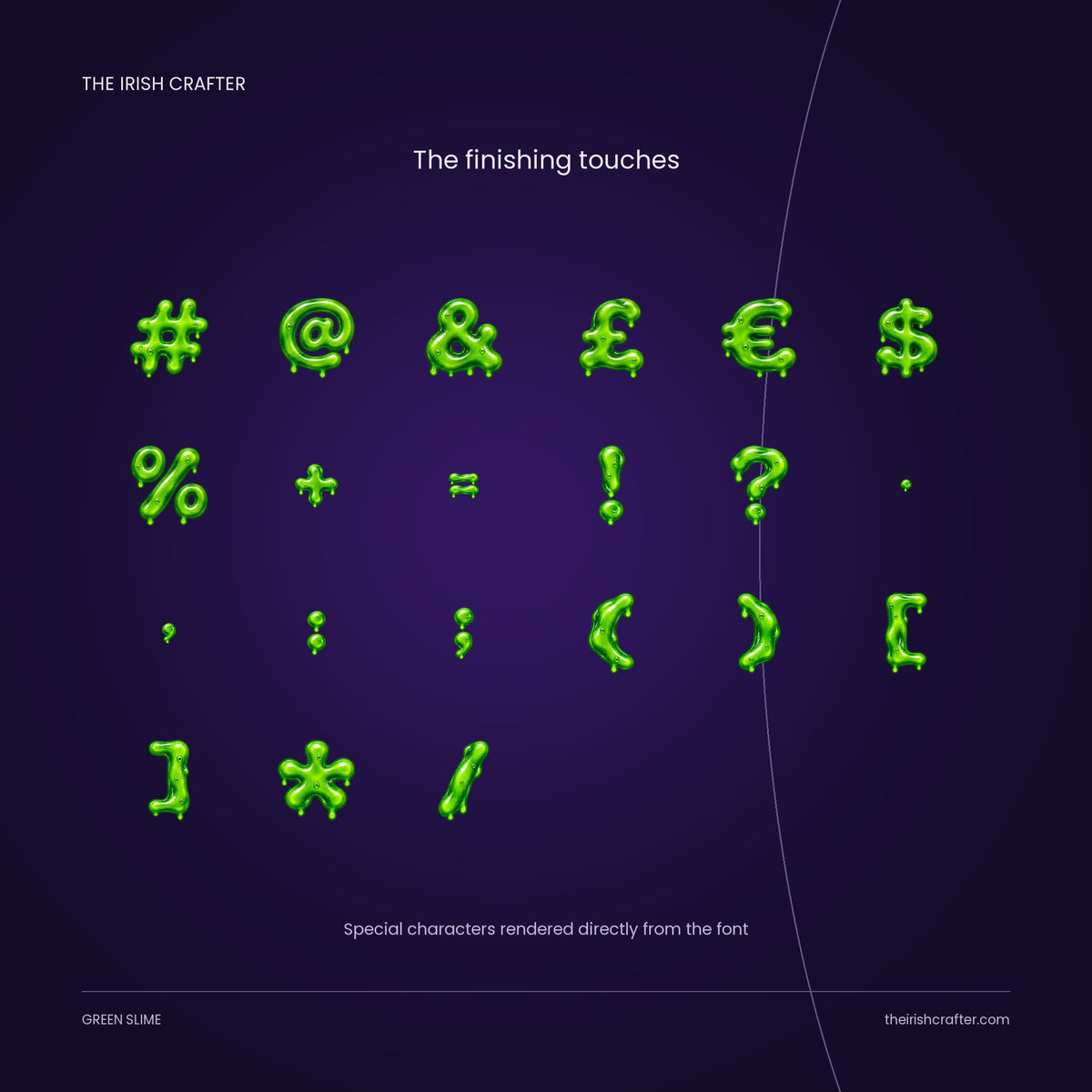
- 164 characters: upper and lower case, numbers and punctuation
- Irish fadas (á é í ó ú)
- Accents for most European languages
- €, £ and $ symbols
- A read-me with the install steps and the licence in plain English
What you can make
Halloween and monster party invitations, treat bag labels, stickers, social posts and story text, cake toppers, kids' name signs, and lettering pieces in Procreate.
Licence
Personal and commercial use are both covered by the one price, so you can use Green Slime in things you make for yourself and in things you make to sell. What you cannot do is pass the font itself on: no sharing the file, no reselling it, and no repackaging the letters as a product of their own, such as a cut file set, a stencil set or an alphabet pack. The full terms are in the read-me that comes with your download.
How to install
On iPad: save the .ttf file to Files, open Procreate, tap the Text tool, then Edit style, then Import font, and choose the file. On Mac: double-click the file and click Install Font. Compatible with Procreate 4.3 and above. If it gives you any bother, message me and I will sort it.
Share